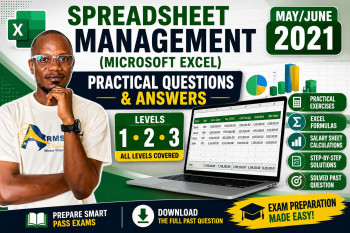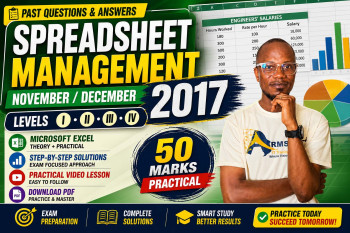
Spreadsheet Management (Level 2 & 3) – Past Questions & Answers
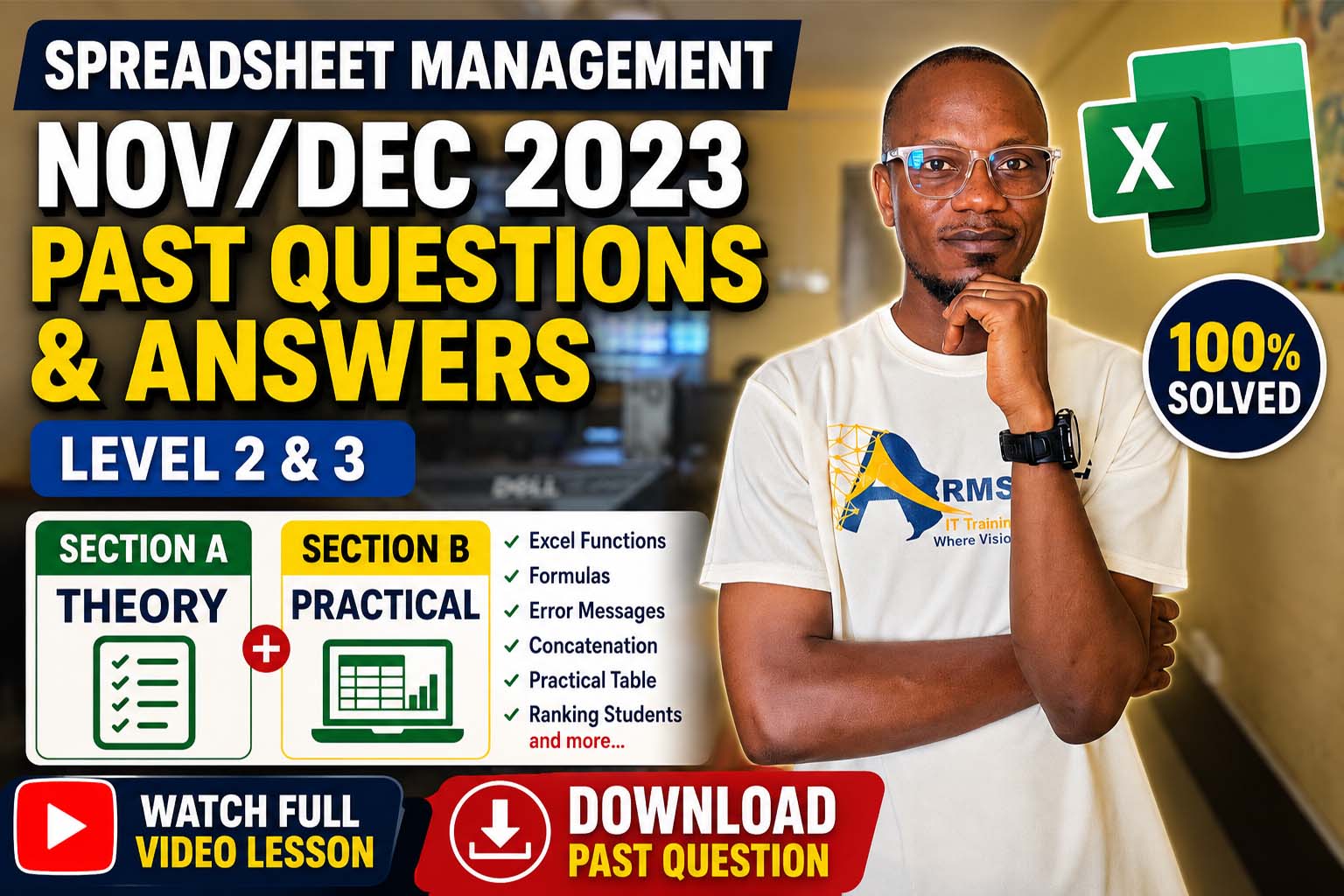
Complete guide to Spreadsheet Management Level 2 & 3 past questions (Nov/Dec 2023). Click on any question to reveal the answer.
Spreadsheet Management (Level 2 & 3) – November/December 2023
Subject: Spreadsheet Management
Examination Level: Level 2 & 3
Examination Date: November/December 2023
Are you preparing for the CTVET Level 2 & Level 3 Spreadsheet Management examination? You're in the right place! This article contains the official solutions to the November/December 2023 Spreadsheet Management Past Questions. The solutions cover both the Theory (Section A) and the Practical (Section B) to help students revise effectively and improve their Microsoft Excel skills.
Whether you're a student, teacher, or ICT instructor, these answers will help you understand the concepts likely to appear in future examinations.
📚 What You'll Learn
- Spreadsheet applications
- Name Box vs Formula Bar
- Excel formulas
- Active Cell
- Cell addresses
- Excel error messages
- MAX and AVERAGE functions
- Concatenation using "&"
- TODAY() and NOW() functions
- Practical Microsoft Excel examination
- Ranking students using Excel formulas
SECTION A – Theory Questions & Answers
Question 1: List FOUR (4) examples of spreadsheet applications.
- Microsoft Excel
- Google Sheets
- LibreOffice Calc
- Apple Numbers
Question 2(a): Differentiate between Name Box and Formula Bar in Excel.
| Name Box | Formula Bar |
|---|---|
| Displays the address of the active cell. | Displays and edits formulas and cell contents. |
| Can be used to jump to a cell. | Used to enter or edit data and formulas. |
Question 2(b): State ONE example of a formula used in Excel.
=SUM(A1:A10)
Question 3(a): What is an Active Cell?
An Active Cell is the currently selected cell where data can be entered or edited.
Question 3(b): State THREE methods of confirming entry in a cell.
- Press Enter
- Press Tab
- Click the ✓ Enter button
Question 4: Explain what makes up a cell address. Give THREE examples.
A cell address consists of:
- Column Letter (A, B, C, etc.)
- Row Number (1, 2, 3, etc.)
Examples:
- A1
- B5
- D10
Question 5: Interpret the error ######.
The column is too narrow to display the value, or the cell contains a negative date/time.
Question 6: Interpret the error #DIV/0!.
The formula is dividing by zero or an empty cell.
Question 7: Interpret the error #NAME?.
Excel does not recognize the function or named range.
Question 8(a): State the use of MAX and AVERAGE functions.
MAX - Returns the largest number in a range.
AVERAGE - Returns the arithmetic mean of a range.
Question 8(b): Give the syntax for MAX and AVERAGE.
=MAX(A1:A10)
=AVERAGE(A1:A10)
Question 9(a): What does the "&" symbol mean in an Excel formula?
The "&" symbol is the concatenation operator. It joins two or more text strings together.
Example: =A2&" "&B2
Question 9(b): To move to the first cell in a row, you press __________.
Home key
Question 10(a): Give the syntax for inserting current date and time in Excel.
Current Date: =TODAY()
Current Date and Time: =NOW()
Question 10(b): A formula entered in a cell in Excel begins with __________.
Equal sign (=)
SECTION B – Practical Question
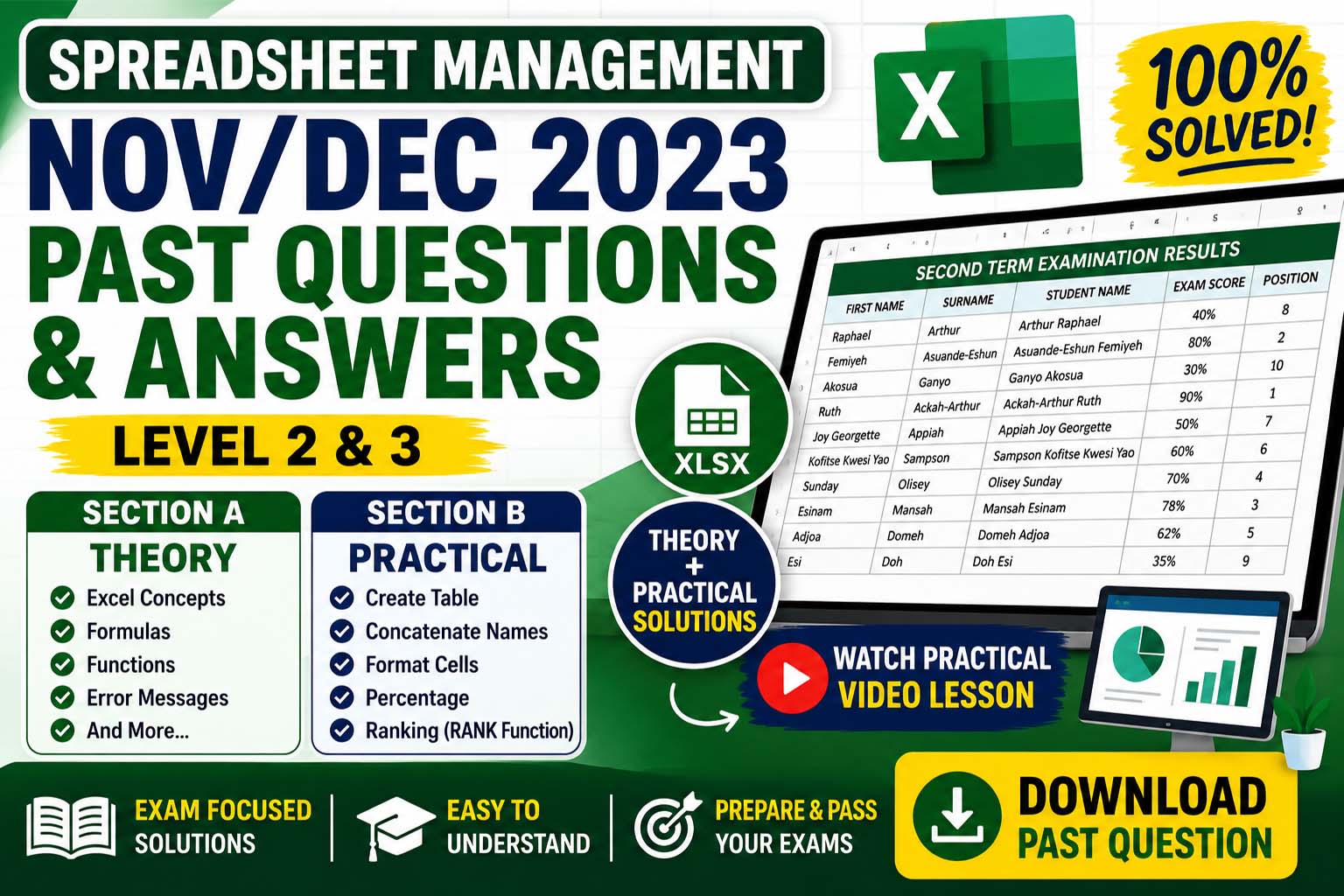
Completed Table
| FIRST NAME | SURNAME | STUDENT NAME | EXAM SCORE | POSITION |
|---|---|---|---|---|
| Raphael | Arthur | Arthur Raphael | 40% | 8 |
| Femiyeh | Asuande-Eshun | Asuande-Eshun Femiyeh | 80% | 2 |
| Akosua | Ganyo | Ganyo Akosua | 30% | 10 |
| Ruth | Ackah-Arthur | Ackah-Arthur Ruth | 90% | 1 |
| Joy Georgette | Appiah | Appiah Joy Georgette | 50% | 7 |
| Kofitse Kwesi Yao | Sampson | Sampson Kofitse Kwesi Yao | 60% | 6 |
| Sunday | Olisey | Olisey Sunday | 70% | 4 |
| Esinam | Mansah | Mansah Esinam | 78% | 3 |
| Adjoa | Domeh | Domeh Adjoa | 62% | 5 |
| Esi | Doh | Doh Esi | 35% | 9 |
Excel Formulas Used
- Concatenate Student Name:
=B2&" "&A2 - Rank Students:
=RANK(D2,$D$2:$D$11,0)
Formatting Instructions
- Change font to Times New Roman
- Set font size to 12 pt
- Apply Wrap Text to the Student Name column
- Format Exam Score as Percentage (%)
- Insert title: "SECOND TERM EXAMINATION RESULTS" using Merge & Center
Practical Video Lesson
Watch the complete Microsoft Excel practical tutorial for Section B below.
Download Past Question
Want the original examination paper? Click the button below.
Before Your Download Begins...
To support the creation of more free solved past questions and practical lessons, kindly subscribe first.
Get access to:
- Solved Past Questions
- Practical Video Tutorials
- Microsoft Excel Lessons
- Spreadsheet Management Notes
Subscribe to our YouTube Channel
Click the button below to subscribe – your download will start automatically after subscription.
Join Our Tech Family
Get new lessons, tech tips, and updates directly on your phone. Be part of our growing IT community, never miss a tutorial or Windows tip!
World Class IT Solutions Across the Globe.
Empowering Businesses, Students & Organizations with World Class IT Solutions Across the Globe.
 USA
USA UK
UK Canada
 Australia
 Germany
 France
 India
India Nigeria
 Ghana
Ghana Kenya
Kenya South Africa
 Brazil
 Mexico
 Japan
Japan China
China Russia USA UK Canada Australia Germany France India Nigeria Ghana Kenya South Africa Brazil Mexico Japan China Russia
Our Other Plans
Explore our professional services tailored to meet your business needs. Click "Get a Quote" to start a conversation on WhatsApp.
Front-End Development
Responsive UIs, interactive components, modern frameworks & performance.
Get a QuoteOur Services Membership Plans
Get instant access to the full script library — activate online in minutes, no waiting. Choose the plan that fits your needs and unlock premium resources, source code, and commercial licenses.
VIP MEMBERSHIP
One Plan. Every Script. Full Source Code.
Instead of buying scripts one by one, get access to everything — every template and source code we have built, plus everything we ship in the future. One plan, no restrictions.
- Full Script Library
- Complete Source Code
- Future Scripts Included
- 6 Months Direct Support
PHP + Apps Script
- Full Access — PHP & Apps Script projects
- Step-by-step video guides
- Commercial-use license
- AI Prompts included — Free
- Ready-to-use projects
- Bug fixes & free future updates
- Future video releases auto added
- Installation help included
- No recurring charges
- 1 downloads/day
- Full source code access
- Files you download stay yours for lifetime
- Resale rights included
- Modification rights included
- 24/7 WhatsApp support
PHP + Apps Script
- Full Access — PHP & Apps Script projects
- Step-by-step video guides
- Commercial-use license
- AI Prompts included — Free
- Ready-to-use projects
- Bug fixes & free future updates
- Future video releases auto added
- Installation help included
- No recurring charges
- 2 downloads/day
- Full source code access
- Files you download stay yours for lifetime
- Resale rights included
- Modification rights included
- 24/7 WhatsApp support
PHP + Apps Script
- Full Access — PHP & Apps Script projects
- Step-by-step video guides
- Commercial-use license
- AI Prompts included — Free
- Ready-to-use projects
- Bug fixes & free future updates
- Future video releases auto added
- Installation help included
- No recurring charges
- 3 downloads/day
- Full source code access
- Files you download stay yours for lifetime
- Resale rights included
- Modification rights included
- 24/7 WhatsApp support
Languages & Technologies We Work With
Core competencies and the business problems each one solves. From automation to full-stack solutions, these tools power our services.