Armstrong Advance Loan Management System | Complete Financial Management Solution
by Armstrong IT & Software Hub
Complete loan management solution – borrower management, loan applications, payments, savings accounts, wallet transactions & more.
Serving financial institutions worldwide
 USA
USA UK
UK Canada
 Australia
 Germany
 France
 India
India Nigeria
 Ghana
Ghana Kenya
Kenya South Africa
 Brazil
 Mexico
 Japan
Japan China
China Russia USA UK Canada Australia Germany France India Nigeria Ghana Kenya South Africa Brazil Mexico Japan China Russia
LMS - Make your Bank Loan Management easy.
LMS is a Modern and Responsive Loan Management System developed with PHP and HTML5. It is designed and developed for companies, banks, and financial institutions that require streamlined loan control, savings account management, and SMS notification systems. The system automates the savings, borrowing, and payment processes.
This software is a web-based application used by most cooperatives, mini-banks, micro-finance banks, and financial institutions to handle loan and savings transactions efficiently.
This project is presented by Armstrong IT Training & Software Hub as part of our software development and technology solutions portfolio.
System Compatibility
Before installing this application, please check your Localhost (XAMPP/WAMP) or Server (cPanel) environment. The system is compatible with:
- MySQL Version: 5.5.20 or higher
- PHP Version: 5.3.9 or higher
- Apache Version: 2.2.21 or higher
Installation Guide
FOR LOCAL INSTALLATION OR SETUP
- Extract the downloaded folder.
- Go to the database folder.
- Open the SQL file and set it up in your local server.
- Click on the config folder.
- Open dbconnect.php.
- Change the settings to your own database configuration.
FOR SERVER INSTALLATION
- Extract the folder to your root directory (public_html).
- Set up the database on your server.
- Import the database to your server.
- Click on the config folder.
- Open dbconnect.php.
- Change the settings to your own database configuration.
Core Features of the System
The Armstrong Advance Loan Management System contains several modules designed to support customer registration, borrowing, loans, payments, savings, and administrative management.
Login Interface with Dashboard
After installation, you will be redirected to the login page. Enter your username and password, then click the Sign In button.
Default Login Credentials:
- Administrator: username:
admin| password:admin - Staff: username:
at| password:at
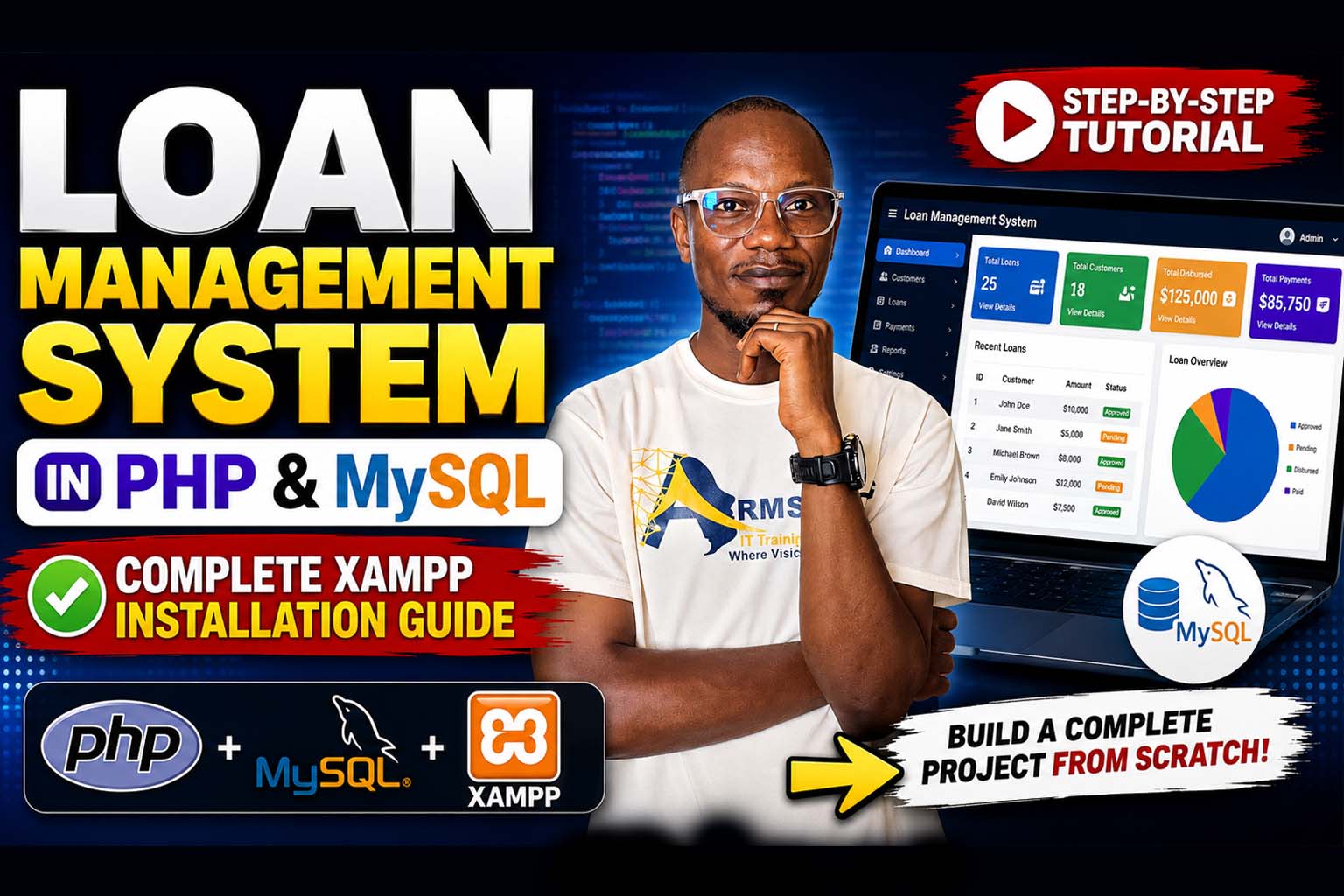
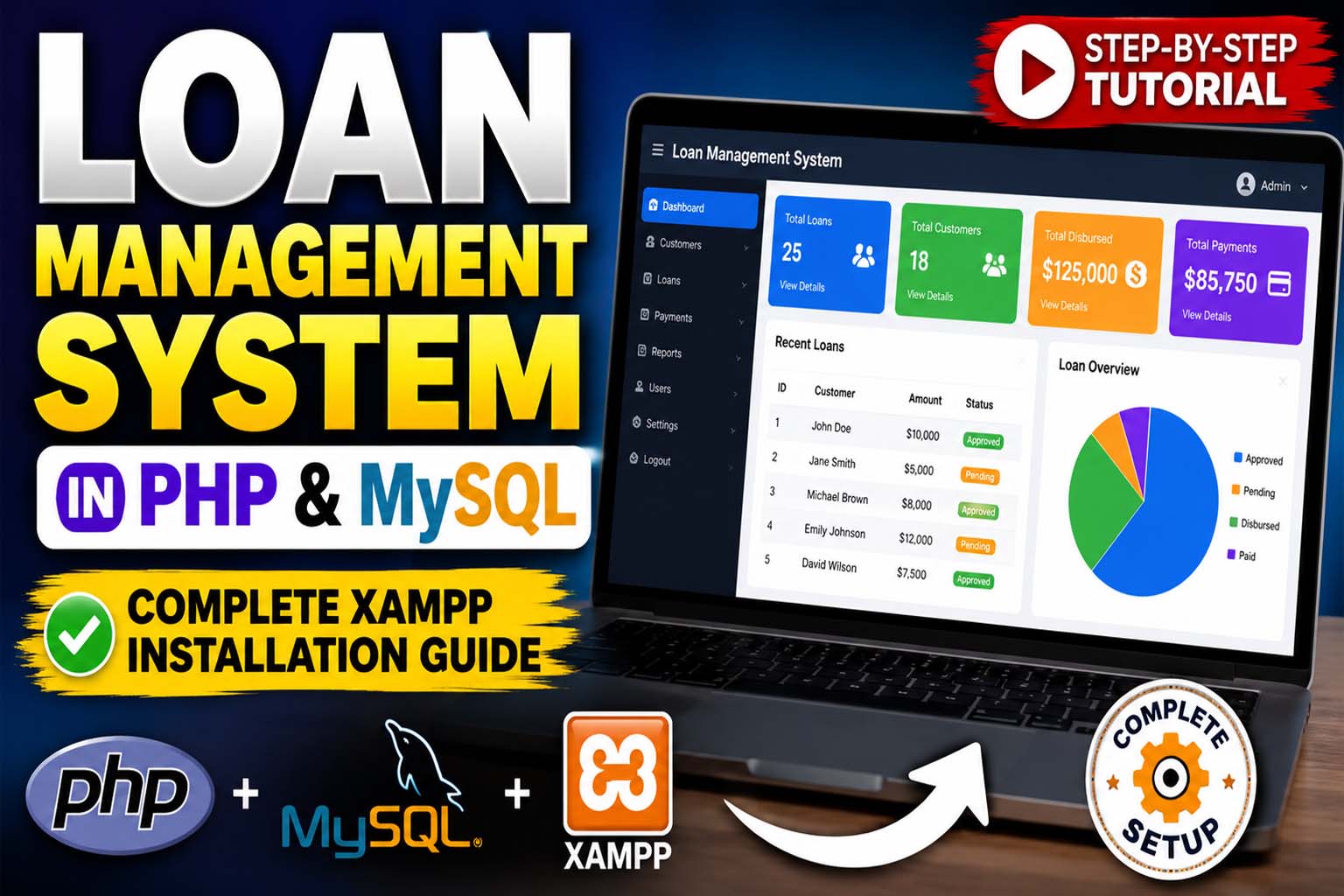
This is the Home page overview. You can easily glance through all activities and records of the system, including loan graph reports.
User Profile Settings
To change profile settings, profile image, username, or password, look at the top-right side of the dashboard, click the Settings icon, and go to the Profile option.
Make your changes and don't forget to click the Save button.
Borrowing Process
To register new borrowers, click the Borrowers button on the side navigation bar and select New Borrowers to fill out the form.
The borrower registration form includes:
- Profile image upload
- First name, last name, and email
- Personal and financial information
- Supporting documents and property collateral
Click Save, then use the List Borrowers option to complete registration by searching for the borrower using first name, last name, or email address.
Complete registration by filling out financial information and attaching vital documents like property collateral.
Wallet Module Description
To manage your wallet, click My Wallet on the navigation sidebar. There, you can add new wallet transactions (credit or debit), transfer funds, and view your wallet balance.
Adding New Funds
To add funds to your wallet, click the + Add New Wallet button. Enter the amount, description, and transaction/wallet type, then save the transaction.
Transferring Funds
To transfer funds from one wallet to another, click Transfer Money. Fill in the amount, description, and the staff member to transfer to.
Loan Application Process
To issue a loan to customers, click the Loans tab on the navigation sidebar and click New Loans.
The loan application requires:
- Customer personal details
- Amount requested
- Description and date of release
- Guarantor information with passport image
- Payment schedule information
After saving the loan application, you can attach required documents and upload proof of ownership including the borrower's property as collateral.
Submit the collateral information, move to the Payment Schedule tab, and click Update Collateral to complete the application.
Payment Processing Module
To add a payment, click Payments Tab on the navigation sidebar and click New Payment to fill in the necessary information.
You can also access List Payments to view and delete payment records. Payment records can be printed or exported to Excel.
Module Permission Assignment
To configure module permissions, click Module Permission on the navigation sidebar and click Add Permission to select the user.
Create
Enables navigation tabs and all add buttons for the module when checked.
Read
Allows users to view records, transactions, and information in the module.
Update
Enables all update buttons embedded on the platform when checked.
Delete
Enables all delete buttons embedded on the platform when checked.
You can view the list of all users with permissions and edit user permissions as needed.
Savings Account Module
To view customer information and add customers to the borrower list, click the Savings Account Tab on the left sidebar and select Customers.
You can Add New Customers by clicking + Add Customer, or Add Customer to the Borrower List by clicking Add to Borrower List.
Depositing Money
Under the Savings Account Tab, click Deposit Money. Search for the customer's account number, enter the Amount to Deposit, and click the Deposit button.
NOTE: The customer will receive a credit alert on their mobile phone confirming the deposit.
Errors to Avoid
- Avoid entering unexpected values like a minus sign in the Amount field.
- Avoid entering special characters such as @, &, +, #, ^, * in the Amount field.
Withdrawals
To withdraw funds from a customer's account, follow the same steps as depositing money.
Transaction History and Receipts
To view all transactions and print a receipt, go to the All Transaction section under Savings Account. Click the Receipt button to generate a receipt.
Global Settings
To configure the global settings, click General Settings followed by Company Setup. Fill in the necessary form including the system logo and stamp image, then click Save.
SMS Gateway
To activate SMS notifications, register with the SMS gateway specified by the system and enter your details to enable SMS notifications.
Database Backup
To back up your database, click Backup Database under the General Settings Tab and follow the backup process.
All Users Default Login Details
Administrator
- Username:
admin - Password:
admin
Staff
- Username:
at - Password:
at
Choose Your Plan
Free Version
$0- Core features
- Borrower management
- Loan applications
- Basic reports
Premium
$15Limited Offer- All free features
- Full source code access
- Commercial-use license
- Lifetime updates
- Priority support
Everything You Need
Borrower Management
Profiles, documents, collateral
Loan Management
Applications & repayments
Wallet Management
Credit, debit & transfers
Payment Processing
Track & manage payments
Savings Account
Deposits & withdrawals
Role Management
Permissions
Reports & Dashboard
Visual analytics
Settings
Customize
Get the Full Version — $15 Only
Get instant access to the full source code — one-time payment, no subscriptions.
PREMIUM ACCESS
Full Source Code. Commercial License. Lifetime Updates.
Get everything — complete source code, commercial-use license, modification rights, resale rights, and priority support. One plan, no restrictions.
- Full Source Code
- Commercial License
- Lifetime Updates
- 1 Year Support
Armstrong Advance Loan Management System
- Full Source Code Access
- Commercial-use license
- Modification rights included
- Resale rights included
- Lifetime access to the script
- Installation help + WhatsApp support
- One-time payment · no auto-renewal
- Future updates included
Membership Plans
Get instant access to the full script library — activate online in minutes, no waiting.
VIP MEMBERSHIP
One Plan. Every Script. Full Source Code.
Instead of buying scripts one by one, get access to everything — every template and source code I have built, plus everything I ship in the future. One plan, no restrictions.
- Full Script Library
- Complete Source Code
- Future Scripts Included
- 6 Months Direct Support
PHP + Apps Script
- Full Access — PHP & Apps Script projects
- Step-by-step video guides
- Commercial-use license
- AI Prompts included — Free
- Ready-to-use projects
- Bug fixes & free future updates
- Future video releases auto added
- Installation help included
- No recurring charges
- 1 downloads/day
- Full source code access
- Files you download stay yours for lifetime
- Resale rights included
- Modification rights included
- 24/7 WhatsApp support
PHP + Apps Script
- Full Access — PHP & Apps Script projects
- Step-by-step video guides
- Commercial-use license
- AI Prompts included — Free
- Ready-to-use projects
- Bug fixes & free future updates
- Future video releases auto added
- Installation help included
- No recurring charges
- 2 downloads/day
- Full source code access
- Files you download stay yours for lifetime
- Resale rights included
- Modification rights included
- 24/7 WhatsApp support
PHP + Apps Script
- Full Access — PHP & Apps Script projects
- Step-by-step video guides
- Commercial-use license
- AI Prompts included — Free
- Ready-to-use projects
- Bug fixes & free future updates
- Future video releases auto added
- Installation help included
- No recurring charges
- 3 downloads/day
- Full source code access
- Files you download stay yours for lifetime
- Resale rights included
- Modification rights included
- 24/7 WhatsApp support
Languages & Technologies Used
Built with modern web technologies for optimal performance and reliability.
System Requirements
Installation in 7 Steps
Why Choose This System?
Our Other Plans
Explore our professional services tailored to meet your business needs. Click "Get a Quote" to start a conversation on WhatsApp.
Front-End Development
Responsive UIs, interactive components, modern frameworks & performance.
Get a Quote