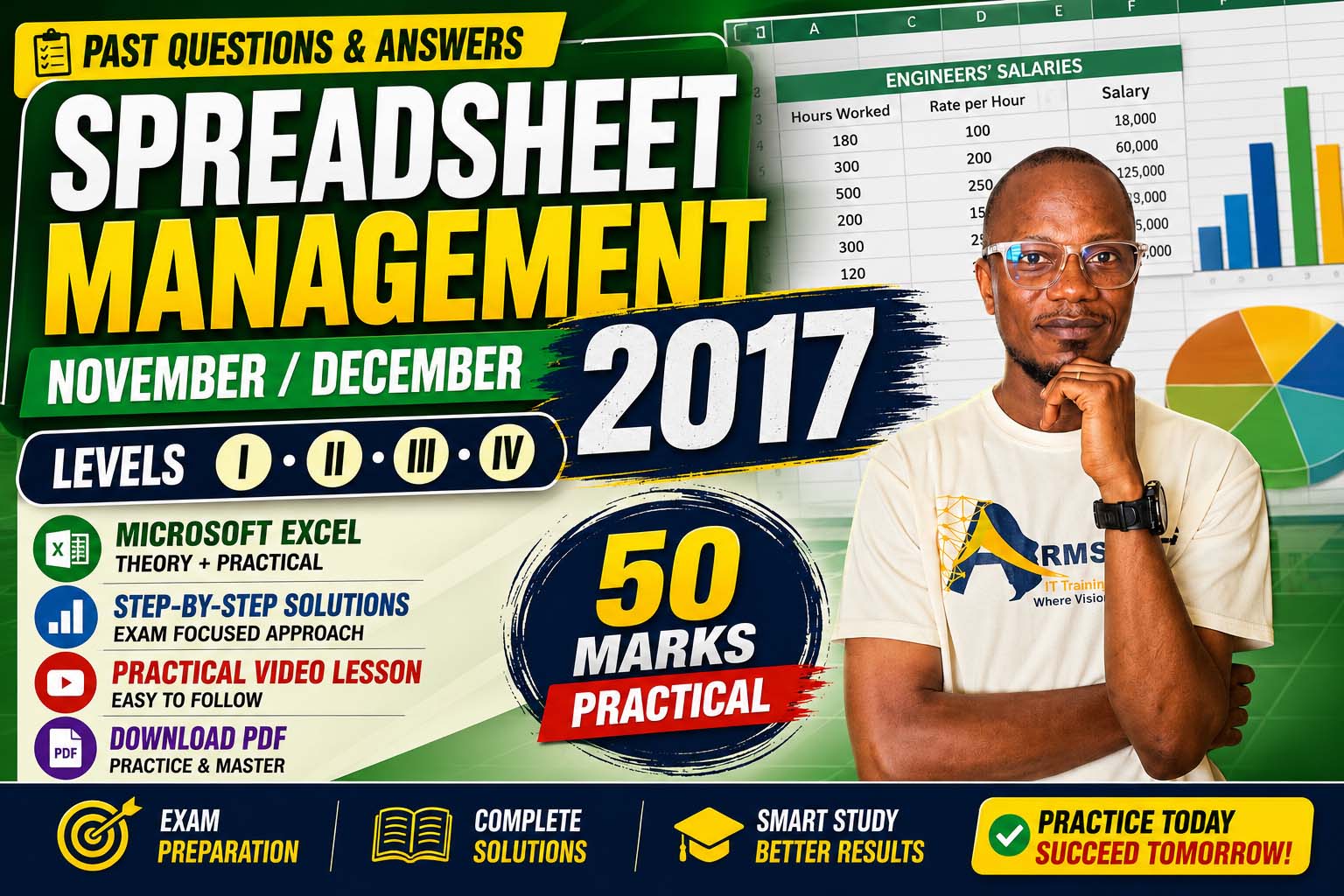
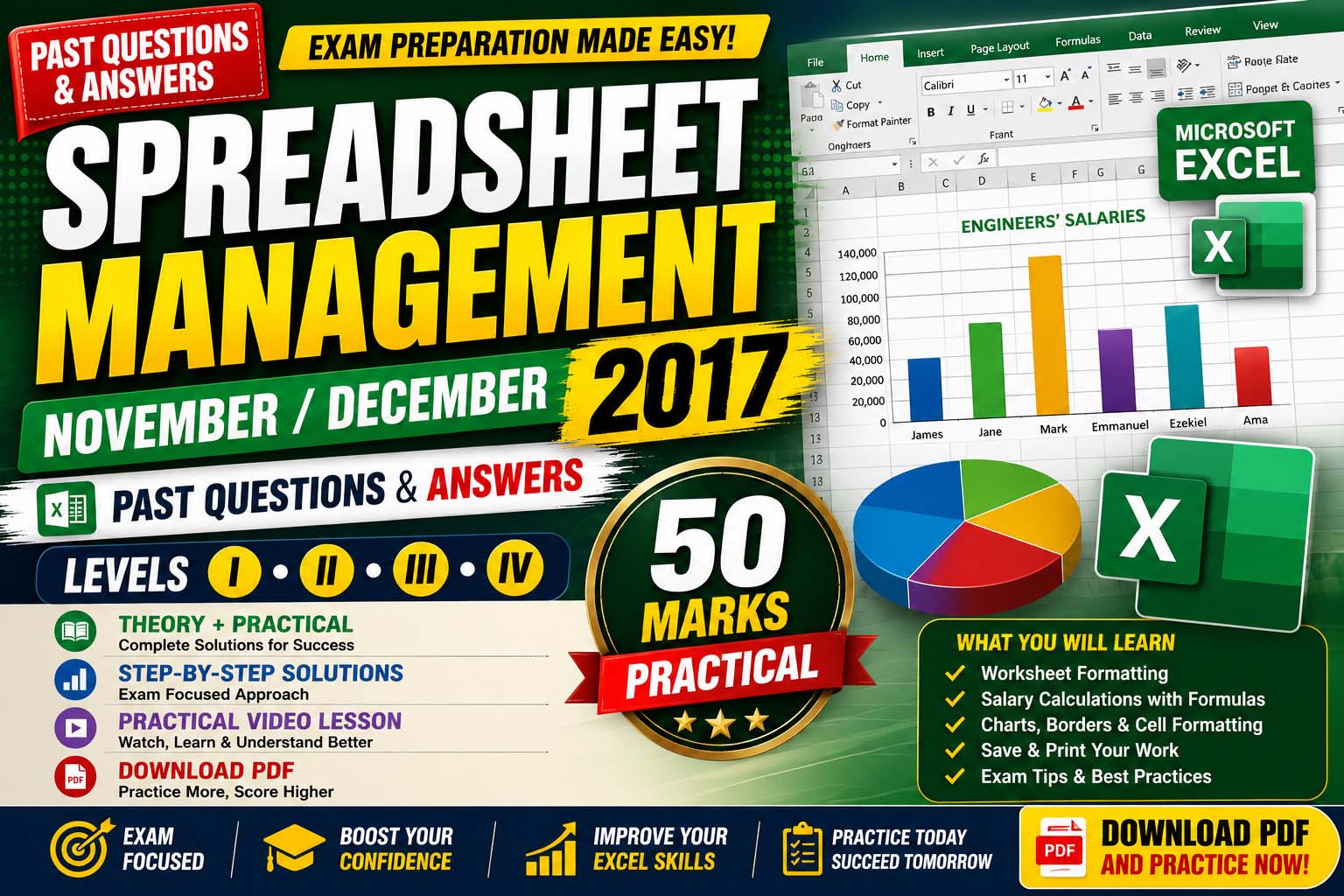
Spreadsheet Management (Level I, II & III) – Past Questions & Answers
Complete solutions to both theory and practical Microsoft Excel examination questions (Nov/Dec 2017). Click each question below to reveal the answer.
Prepare for Your Spreadsheet Management Examination with Confidence
Are you preparing for the November/December Spreadsheet Management Examination for Levels I, II & III? This comprehensive past questions and answers guide has been carefully prepared to help students master both the theory (Section A) and the practical (Section B) components of the examination.
The practical section alone carries 50 marks, making it one of the most important parts of the examination. To help you succeed, this lesson includes:
- Fully solved Section A theory questions
- Step-by-step practical solutions for Section B
- A practical video lesson for better understanding
- A downloadable PDF of the original past questions
- Interactive questions and answers (Click to reveal answers)
Whether you are writing the examination for Level I, II, or III, this lesson will strengthen your understanding of Microsoft Excel and improve your confidence before the examination.
What You Will Learn
- Explain basic spreadsheet concepts.
- Understand rows, columns, worksheets and workbooks.
- Differentiate between formulas and functions.
- Calculate salaries using formulas.
- Format worksheets professionally.
- Create charts in Microsoft Excel.
- Prepare for both theory and practical examination questions.
SECTION A – Theory Questions & Answers
Question 1: Briefly explain columns and rows in a worksheet.
Columns are the vertical divisions in a worksheet identified by letters such as A, B, C, D.
Rows are the horizontal divisions identified by numbers such as 1, 2, 3, 4.
The intersection of a row and column forms a cell.
Question 2: Name FIVE (5) different types of charts in Microsoft Excel.
Five common chart types are:
- Column Chart
- Bar Chart
- Line Chart
- Pie Chart
- Area Chart
Other acceptable answers include Scatter Chart, Doughnut Chart, Radar Chart and Bubble Chart.
Question 3: Describe the terms Workbook and Worksheet.
Workbook
A workbook is an Excel file that contains one or more worksheets.
Worksheet
A worksheet is a single spreadsheet page used for entering, organizing and calculating data.
Question 4: Briefly describe the use of AutoShapes.
AutoShapes are drawing objects such as rectangles, circles, arrows and flowchart symbols used to improve presentations and illustrate information in a worksheet.
Question 5: Explain why multiple hash symbols (########) appear in a cell.
This usually occurs because:
- The column width is too narrow to display the value.
- The cell contains a negative date or time value.
Increase the column width or adjust the cell formatting to solve the problem.
Question 6: Differentiate between a Function and a Formula with examples.
Formula
A user-created expression used to perform calculations.
Example: =A1+B1
Function
A built-in formula provided by Microsoft Excel.
Example: =SUM(A1:A10)
Question 7: Briefly describe Cell Address with reference to rows and columns.
A cell address is the location of a cell in a worksheet.
It is formed by combining the column letter with the row number.
Example: B5
Column = B
Row = 5
Question 8: What is Cell Format? State TWO options.
A cell format determines how information appears inside a cell.
Examples include:
- Number
- Currency
- Date
- Percentage
- Text
Any two are correct.
Question 9: Which shortcut key is used to access the last cell in a worksheet?
Ctrl + End
This shortcut moves the cursor to the last used cell in the worksheet.
Question 10: How many columns are there in Excel 2003, 2007 and 2010?
| Excel Version | Number of Columns |
|---|---|
| Excel 2003 | 256 |
| Excel 2007 | 16,384 |
| Excel 2010 | 16,384 |
SECTION B – Practical (50 Marks)
The practical examination is worth 50 marks and tests your ability to use Microsoft Excel effectively.
In this examination, students are required to:
- Create a worksheet
- Merge and center headings
- Apply formatting
- Use formulas to calculate salaries
- Insert borders
- Create a Multiple Column Chart
- Save the workbook
- Print the worksheet
Salary Formula
=B2*C2
Copy the formula downward to calculate all salaries.
Calculated Salaries
| Engineer | Hours | Rate | Salary |
|---|---|---|---|
| James | 180 | 100 | 18,000 |
| Jane | 300 | 200 | 60,000 |
| Mark | 500 | 250 | 125,000 |
| Emmanuel | 200 | 150 | 30,000 |
| Ezekiel | 300 | 250 | 75,000 |
| Ama | 120 | 200 | 24,000 |
Examination Tips
- ✔ Read every instruction carefully before beginning.
- ✔ Save your work regularly.
- ✔ Use formulas instead of manual calculations.
- ✔ Always label your charts correctly.
- ✔ Apply proper formatting to improve presentation.
- ✔ Preview your work before printing.
Why You Should Study This Past Question
Practising past questions is one of the most effective ways to prepare for examinations. It helps you:
- Understand the examination format.
- Identify frequently tested topics.
- Improve your speed and accuracy.
- Build confidence for the practical examination.
- Strengthen your Microsoft Excel skills for both school and the workplace.
Watch the Practical Video Lesson
Watch this practical lesson to learn how to solve the Microsoft Excel practical questions step by step. The tutorial covers worksheet formatting, formulas, salary calculations, charts, printing, and examination tips.
Download Past Question
Want the original examination paper? Click the button below.
Before Your Download Begins...
To support the creation of more free solved past questions and practical lessons, kindly subscribe first.
Get access to:
- Solved Past Questions
- Practical Video Tutorials
- Microsoft Excel Lessons
- Spreadsheet Management Notes
Subscribe to our YouTube Channel
Click the button below to subscribe – your download will start automatically after subscription.
Conclusion
This lesson covers both the Microsoft Excel theory and practical examination questions. Practice each formula, reproduce the worksheet accurately, and complete the chart exercise to strengthen your Excel skills. If you found this guide helpful, watch the accompanying practical video and download the past questions for additional practice.
The Spreadsheet Management November/December 2017 Past Questions and Answers (Levels I, II & III) provide an excellent opportunity to prepare thoroughly for your upcoming examinations. Be sure to study both the theory and practical sections, complete the exercises on your own, and watch the practical video lesson to reinforce your understanding. Consistent practice is the key to success in Microsoft Excel examinations.
Join Our Tech Family
Get new lessons, tech tips, and updates directly on your phone. Be part of our growing IT community, never miss a tutorial or Windows tip!
World Class IT Solutions Across the Globe.
Empowering Businesses, Students & Organizations with World Class IT Solutions Across the Globe.
 USA
USA UK
UK Canada
 Australia
 Germany
 France
 India
India Nigeria
 Ghana
Ghana Kenya
Kenya South Africa
 Brazil
 Mexico
 Japan
Japan China
China Russia USA UK Canada Australia Germany France India Nigeria Ghana Kenya South Africa Brazil Mexico Japan China Russia
Our Other Plans
Explore our professional services tailored to meet your business needs. Click "Get a Quote" to start a conversation on WhatsApp.
Front-End Development
Responsive UIs, interactive components, modern frameworks & performance.
Get a QuoteOur Services Membership Plans
Get instant access to the full script library — activate online in minutes, no waiting. Choose the plan that fits your needs and unlock premium resources, source code, and commercial licenses.
VIP MEMBERSHIP
One Plan. Every Script. Full Source Code.
Instead of buying scripts one by one, get access to everything — every template and source code we have built, plus everything we ship in the future. One plan, no restrictions.
- Full Script Library
- Complete Source Code
- Future Scripts Included
- 6 Months Direct Support
PHP + Apps Script
- Full Access — PHP & Apps Script projects
- Step-by-step video guides
- Commercial-use license
- AI Prompts included — Free
- Ready-to-use projects
- Bug fixes & free future updates
- Future video releases auto added
- Installation help included
- No recurring charges
- 1 downloads/day
- Full source code access
- Files you download stay yours for lifetime
- Resale rights included
- Modification rights included
- 24/7 WhatsApp support
PHP + Apps Script
- Full Access — PHP & Apps Script projects
- Step-by-step video guides
- Commercial-use license
- AI Prompts included — Free
- Ready-to-use projects
- Bug fixes & free future updates
- Future video releases auto added
- Installation help included
- No recurring charges
- 2 downloads/day
- Full source code access
- Files you download stay yours for lifetime
- Resale rights included
- Modification rights included
- 24/7 WhatsApp support
PHP + Apps Script
- Full Access — PHP & Apps Script projects
- Step-by-step video guides
- Commercial-use license
- AI Prompts included — Free
- Ready-to-use projects
- Bug fixes & free future updates
- Future video releases auto added
- Installation help included
- No recurring charges
- 3 downloads/day
- Full source code access
- Files you download stay yours for lifetime
- Resale rights included
- Modification rights included
- 24/7 WhatsApp support
Languages & Technologies We Work With
Core competencies and the business problems each one solves. From automation to full-stack solutions, these tools power our services.




%20Nov/Dec%202017)