Database Management (Level I, II & III) – Past Questions & Answers
Complete solutions to both theory and practical Microsoft Access examination questions. Click each question below to reveal the answer.
Prepare for Your Database Management Examination
Are you preparing for the Database Management Level I, II & III Examination?
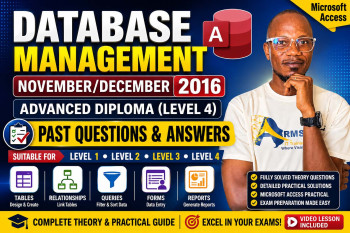
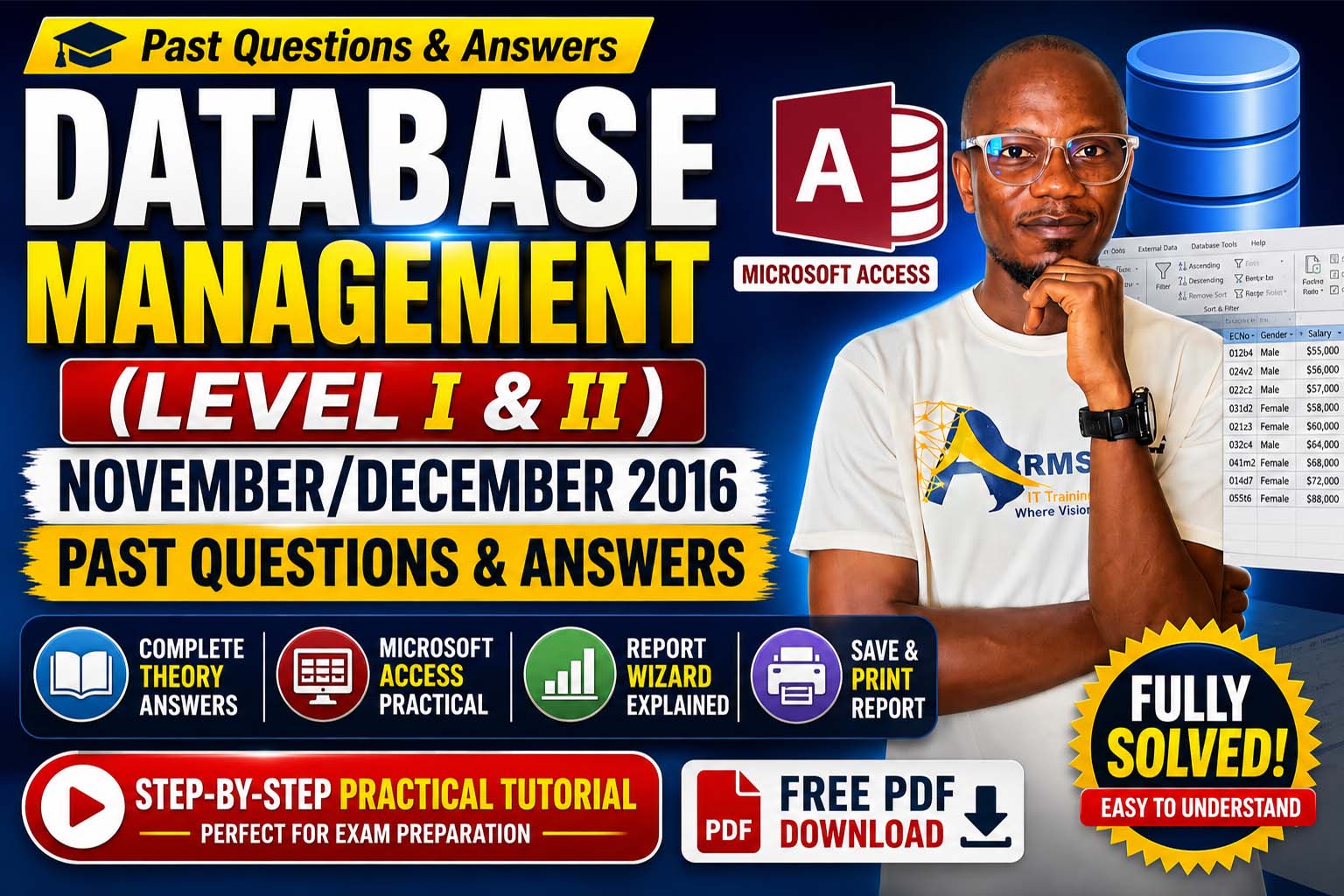
This page provides the complete November/December 2016 Database Management Past Questions and Answers together with a practical Microsoft Access exercise.
The practical section is fully explained in the video lesson below, where you'll learn how to create the database, design tables, enter records, generate reports using the Report Wizard, sort records correctly, and print the final report.
Whether you're studying for TVET, NVTI, Technical University, or any ICT examination, this lesson will strengthen your understanding of Microsoft Access and help you perform confidently in your exams.
SECTION A – THEORY QUESTIONS
Question 1: What is the maximum number of columns in an MS Access table?
A Microsoft Access table can have a maximum of 255 fields (columns).
Question 2: Explain the term Continuous Form.
A Continuous Form is a type of Microsoft Access form that displays multiple records simultaneously using the same layout. It allows users to view, edit, and navigate several records on one screen.
Question 3: Explain the term Database Replication.
Database Replication is the process of creating and maintaining copies of a database in different locations to improve data sharing, synchronization, and backup.
Question 4: Explain the term Input Mask.
An Input Mask controls the format in which users enter data into a field.
Example: Phone Number
(999) 000-0000
This helps maintain consistent and accurate data entry.
Question 5: Explain the term Macros.
A Macro is a collection of commands that automates repetitive tasks in Microsoft Access without requiring programming.
Question 6: Explain the term Primary Key field with a practical example.
A Primary Key is a field that uniquely identifies each record in a database table. Duplicate and null values are not allowed.
Example:
| Student ID | Student Name |
|---|---|
| ST001 | John |
| ST002 | Mary |
Here, Student ID is the Primary Key because every student has a unique identification number.
Question 7: Explain the terms SmallInt and Byte data types.
SmallInt
Stores whole numbers ranging from: −32,768 to 32,767
Byte
Stores whole numbers ranging from: 0 to 255
Question 8: Explain the term TinyInt data type.
TinyInt stores small whole numbers ranging from 0 to 255, using only one byte of storage.
Question 9: Explain the term Wizards.
Wizards are built-in Microsoft Access tools that guide users through a step-by-step process when creating tables, queries, forms, and reports.
Question 10: Give an example of user-defined objects.
Examples include:
- Tables
- Queries
- Forms
- Reports
- Macros
- Modules
Any one of the above is correct.
SECTION B – MICROSOFT ACCESS PRACTICAL
Question (a)
Create a database named: WORKER SAL
Question (b)
Create a table called: SALARIES
Table Structure
| Field Name | Data Type |
|---|---|
| Surname | Short Text |
| FirstName | Short Text |
| Ministry | Short Text |
| Department | Short Text |
| ECNo | Short Text (Primary Key) |
| Gender | Short Text |
| Salary | Currency |
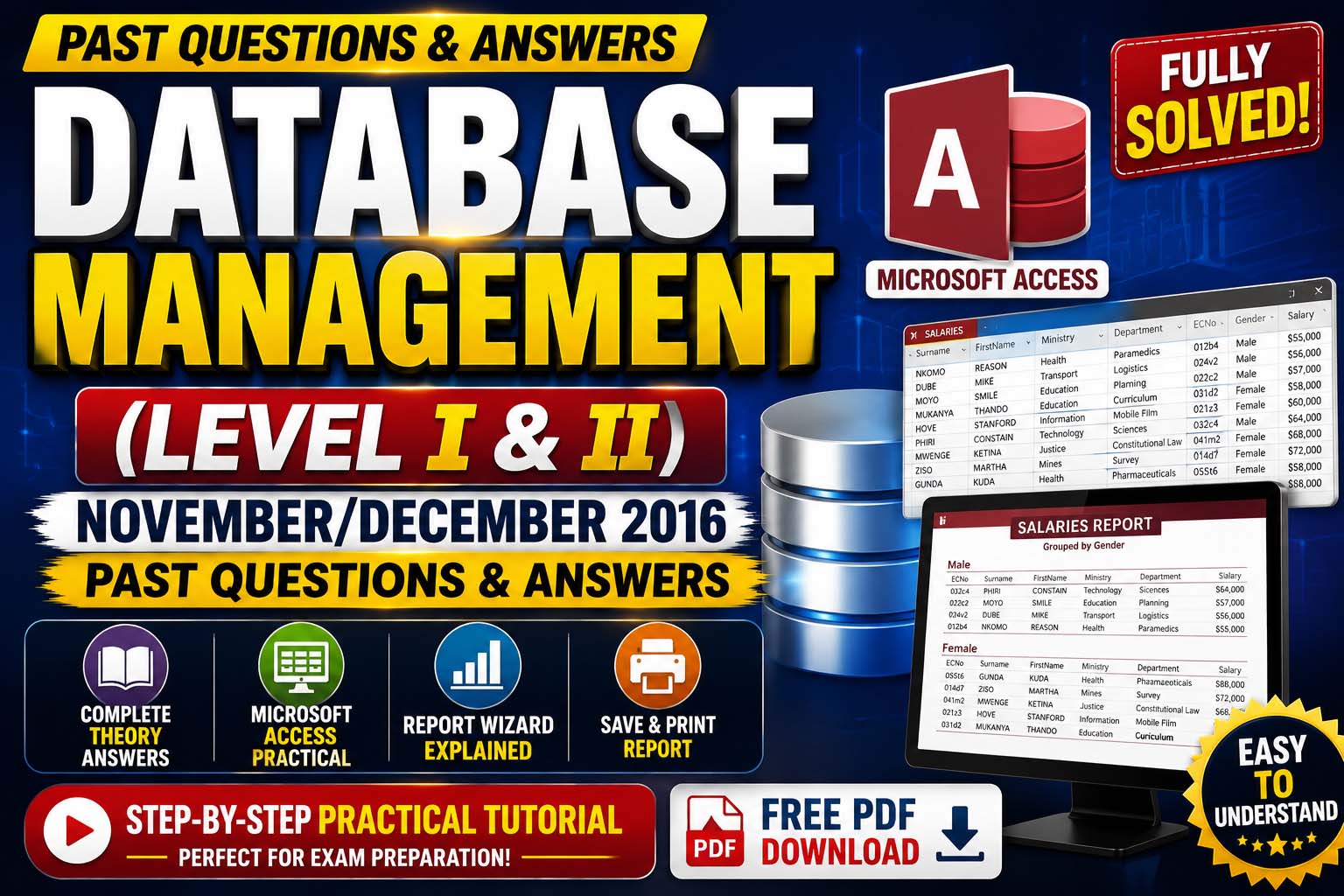
Enter the following records
| Surname | First Name | Ministry | Department | ECNo | Gender | Salary |
|---|---|---|---|---|---|---|
| NKOMO | REASON | Health | Paramedics | 012b4 | Male | $55,000 |
| DUBE | MIKE | Transport | Logistics | 024v2 | Male | $56,000 |
| MOYO | SMILE | Education | Planning | 022c2 | Male | $57,000 |
| MUKANYA | THANDO | Education | Curriculum | 031d2 | Female | $58,000 |
| HOVE | STANFORD | Information | Mobile Film | 021z3 | Female | $60,000 |
| PHIRI | CONSTAIN | Technology | Sciences | 032c4 | Male | $64,000 |
| MWENGE | KETINA | Justice | Constitutional Law | 041m2 | Female | $68,000 |
| ZISO | MARTHA | Mines | Survey | 014d7 | Female | $72,000 |
| GUNDA | KUDA | Health | Pharmaceuticals | 055t6 | Female | $88,000 |
Question (c)
Generate a Report using Report Wizard
Follow these steps:
- Open the Create tab.
- Click Report Wizard.
- Select the SALARIES table.
- Move all fields into the report.
- Group the report by Gender.
- Sort Salary in Descending Order.
- Select Tabular Layout.
- Click Finish.
Question (d)
Save the report as: SALARIES REPORT
Open the report in Print Preview, then print the report.
Final Examination Tips
To perform well in your examination, make sure you can:
- Create Microsoft Access databases.
- Create tables and define appropriate data types.
- Set a Primary Key.
- Enter records accurately.
- Use Report Wizard.
- Sort data correctly.
- Print reports successfully.
Practice each task alongside the video lesson to build confidence before your exam.
Practical Video Lesson
Watch the complete Microsoft Access practical tutorial for Section B below.
Download Past Question
Want the original examination paper? Click the button below.
Before Your Download Begins...
To support the creation of more free solved past questions and practical lessons, kindly subscribe first.
Get access to:
- Solved Past Questions
- Practical Video Tutorials
- Microsoft Access Lessons
- Database Management Notes
Subscribe to our YouTube Channel
Click the button below to subscribe – your download will start automatically after subscription.
Conclusion
The Database Management Level I & II & III November/December 2016 Past Questions and Answers provide an excellent opportunity to revise both theory and practical concepts in Microsoft Access. Use the answers to test your knowledge, watch the practical video to reinforce your understanding, and download the PDF for offline study. Consistent practice with these questions will improve your confidence and readiness for the examination.
Join Our Tech Family
Get new lessons, tech tips, and updates directly on your phone. Be part of our growing IT community, never miss a tutorial or Windows tip!
World Class IT Solutions Across the Globe.
Empowering Businesses, Students & Organizations with World Class IT Solutions Across the Globe.
 USA
USA UK
UK Canada
 Australia
 Germany
 France
 India
India Nigeria
 Ghana
Ghana Kenya
Kenya South Africa
 Brazil
 Mexico
 Japan
Japan China
China Russia USA UK Canada Australia Germany France India Nigeria Ghana Kenya South Africa Brazil Mexico Japan China Russia
Our Other Plans
Explore our professional services tailored to meet your business needs. Click "Get a Quote" to start a conversation on WhatsApp.
Front-End Development
Responsive UIs, interactive components, modern frameworks & performance.
Get a QuoteOur Services Membership Plans
Get instant access to the full script library — activate online in minutes, no waiting. Choose the plan that fits your needs and unlock premium resources, source code, and commercial licenses.
VIP MEMBERSHIP
One Plan. Every Script. Full Source Code.
Instead of buying scripts one by one, get access to everything — every template and source code we have built, plus everything we ship in the future. One plan, no restrictions.
- Full Script Library
- Complete Source Code
- Future Scripts Included
- 6 Months Direct Support
PHP + Apps Script
- Full Access — PHP & Apps Script projects
- Step-by-step video guides
- Commercial-use license
- AI Prompts included — Free
- Ready-to-use projects
- Bug fixes & free future updates
- Future video releases auto added
- Installation help included
- No recurring charges
- 1 downloads/day
- Full source code access
- Files you download stay yours for lifetime
- Resale rights included
- Modification rights included
- 24/7 WhatsApp support
PHP + Apps Script
- Full Access — PHP & Apps Script projects
- Step-by-step video guides
- Commercial-use license
- AI Prompts included — Free
- Ready-to-use projects
- Bug fixes & free future updates
- Future video releases auto added
- Installation help included
- No recurring charges
- 2 downloads/day
- Full source code access
- Files you download stay yours for lifetime
- Resale rights included
- Modification rights included
- 24/7 WhatsApp support
PHP + Apps Script
- Full Access — PHP & Apps Script projects
- Step-by-step video guides
- Commercial-use license
- AI Prompts included — Free
- Ready-to-use projects
- Bug fixes & free future updates
- Future video releases auto added
- Installation help included
- No recurring charges
- 3 downloads/day
- Full source code access
- Files you download stay yours for lifetime
- Resale rights included
- Modification rights included
- 24/7 WhatsApp support
Languages & Technologies We Work With
Core competencies and the business problems each one solves. From automation to full-stack solutions, these tools power our services.