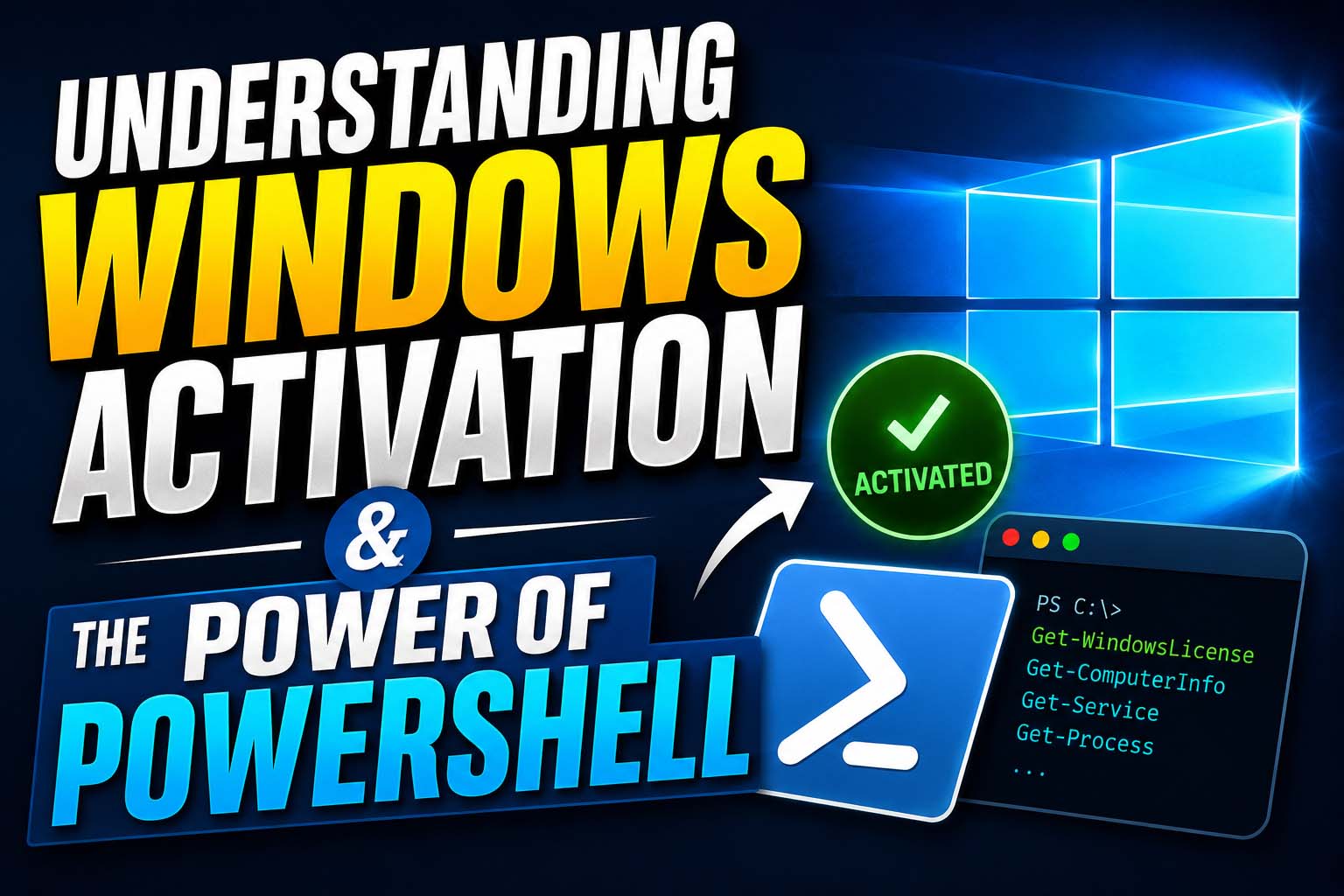
Understanding Windows Activation & the Power of PowerShell
by Innocent Davidson Vorsah — Armstrong IT Training & Software Hub
Complete educational guide on Windows activation, ethical use of PowerShell, and best practices for system management.
Educational Purpose Only — This guide explains legitimate software activation methods and ethical use of PowerShell. Always respect software licenses and avoid unofficial activation scripts.
Instructor: Innocent Davidson Vorsah of Armstrong IT Training and Software Hub
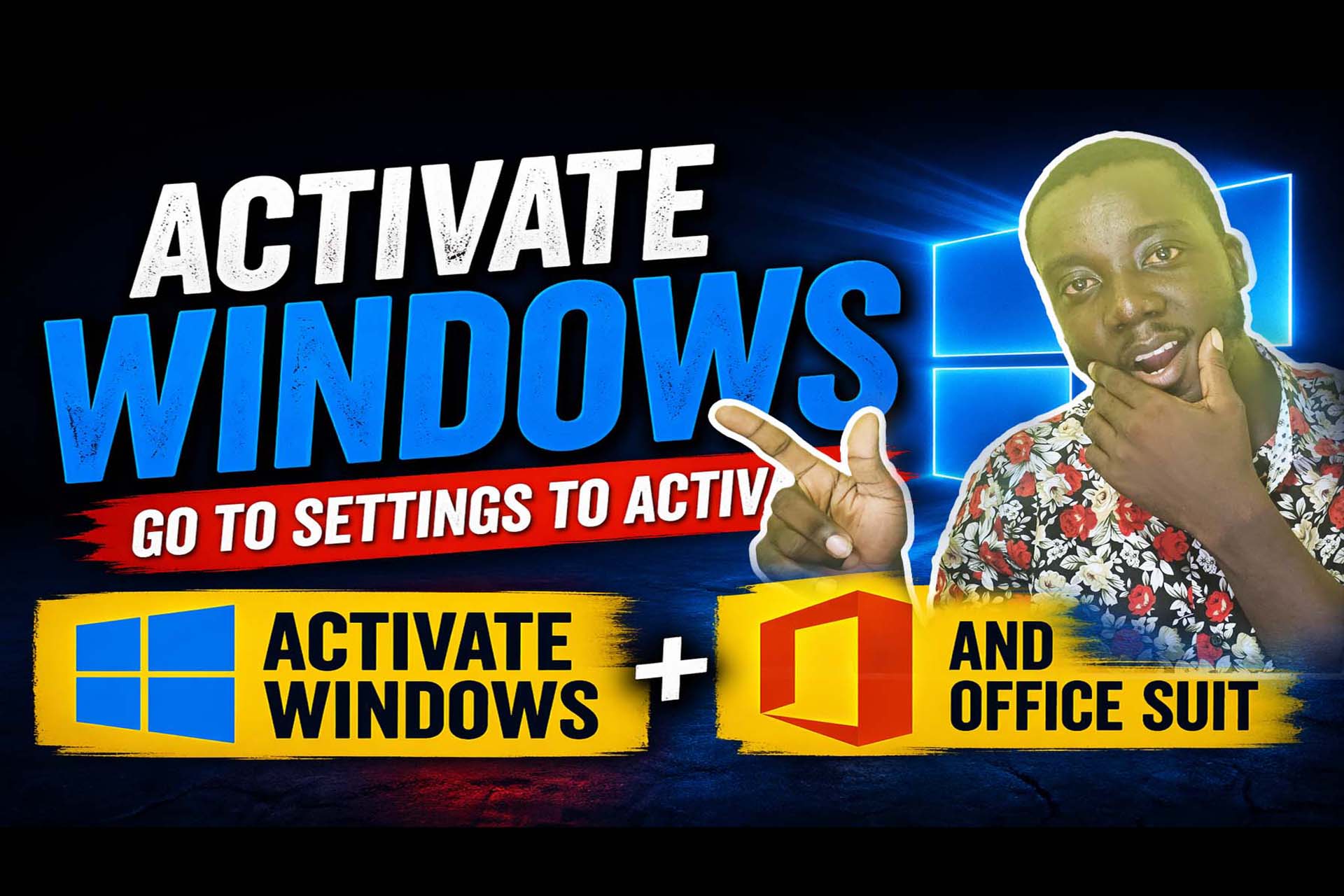
Have you ever seen the message "Activate Windows – Go to Settings to activate Windows" on your desktop? This watermark appears when your Windows operating system is not activated. In this lesson, we'll explore what this means, how to resolve it properly, and how Windows PowerShell plays a role in system management.
What is Windows Activation?
Windows activation is a process that verifies your copy of Windows is genuine and properly licensed. Once activated:
- The watermark disappears
- You gain full access to personalization features
- Your system remains secure and supported
Why Activation is Important
Using an activated version of Windows ensures:
- Better security updates
- Full system functionality
- Compliance with software licensing laws
Introduction to Windows PowerShell
Windows PowerShell is a command-line tool and scripting language that allows users to:
- Automate repetitive tasks
- Manage system configurations
- Troubleshoot and administer systems efficiently
Best Practices for Activating Windows & Microsoft Office
To properly activate your system:
For Windows:
- Go to Settings
- Click on Update & Security (or System → Activation in newer Windows versions)
- Select Activation
- Enter a valid product key or sign in with a licensed Microsoft account
For Microsoft Office:
- Open any Office application (Word, Excel, etc.)
- Click on File → Account
- Sign in with your licensed account or enter a valid product key
Important Warning
Avoid using unofficial scripts or unknown commands from the internet to activate software. These methods can:
- Expose your system to malware
- Violate software agreements
- Cause system instability
Embedded Video Lesson
Windows Activation & PowerShell Tutorial by Innocent Davidson Vorsah
Conclusion
Understanding how Windows activation works is essential for every computer user. At the same time, learning tools like PowerShell can help you become more advanced in IT, system administration, and automation.
Instructor: Innocent Davidson Vorsah
Armstrong IT Training and Software Hub
Get in touch for ethical IT training:+233209461382 / +233597873038
Learn More About Ethical System Management
At Armstrong IT Training and Software Hub, we offer practical courses on:
- Windows deployment & activation (legitimate methods)
- PowerShell scripting for automation
- Security best practices and software licensing
- IT support fundamentals
Empower yourself with real skills, the right way.
Join Our Tech Family
Get new lessons, tech tips, and updates directly on your phone. Be part of our growing IT community, never miss a tutorial or Windows tip!
World Class IT Solutions Across the Globe.
Empowering Businesses, Students & Organizations with World Class IT Solutions Across the Globe.
 USA
USA UK
UK Canada
 Australia
 Germany
 France
 India
India Nigeria
 Ghana
Ghana Kenya
Kenya South Africa
 Brazil
 Mexico
 Japan
Japan China
China Russia USA UK Canada Australia Germany France India Nigeria Ghana Kenya South Africa Brazil Mexico Japan China Russia
Our Other Plans
Explore our professional services tailored to meet your business needs. Click "Get a Quote" to start a conversation on WhatsApp.
Front-End Development
Responsive UIs, interactive components, modern frameworks & performance.
Get a QuoteOur Services Membership Plans
Get instant access to the full script library — activate online in minutes, no waiting. Choose the plan that fits your needs and unlock premium resources, source code, and commercial licenses.
VIP MEMBERSHIP
One Plan. Every Script. Full Source Code.
Instead of buying scripts one by one, get access to everything — every template and source code we have built, plus everything we ship in the future. One plan, no restrictions.
- Full Script Library
- Complete Source Code
- Future Scripts Included
- 6 Months Direct Support
PHP + Apps Script
- Full Access — PHP & Apps Script projects
- Step-by-step video guides
- Commercial-use license
- AI Prompts included — Free
- Ready-to-use projects
- Bug fixes & free future updates
- Future video releases auto added
- Installation help included
- No recurring charges
- 1 downloads/day
- Full source code access
- Files you download stay yours for lifetime
- Resale rights included
- Modification rights included
- 24/7 WhatsApp support
PHP + Apps Script
- Full Access — PHP & Apps Script projects
- Step-by-step video guides
- Commercial-use license
- AI Prompts included — Free
- Ready-to-use projects
- Bug fixes & free future updates
- Future video releases auto added
- Installation help included
- No recurring charges
- 2 downloads/day
- Full source code access
- Files you download stay yours for lifetime
- Resale rights included
- Modification rights included
- 24/7 WhatsApp support
PHP + Apps Script
- Full Access — PHP & Apps Script projects
- Step-by-step video guides
- Commercial-use license
- AI Prompts included — Free
- Ready-to-use projects
- Bug fixes & free future updates
- Future video releases auto added
- Installation help included
- No recurring charges
- 3 downloads/day
- Full source code access
- Files you download stay yours for lifetime
- Resale rights included
- Modification rights included
- 24/7 WhatsApp support
Languages & Technologies We Work With
Core competencies and the business problems each one solves. From automation to full-stack solutions, these tools power our services.