Master your Spreadsheet Management skills with this comprehensive exam preparation resource featuring actual questions from the May/June 2022 examination. This interactive guide helps Armstrong Computers College students:
- Test your knowledge with click-to-reveal answers
- Understand core spreadsheet concepts through clear explanations
- Prepare efficiently with authentic exam-style questions
- Practice real-world skills with practical exercises
Exam Success Tips
Focus on mastering formulas (especially IF statements), data formatting, and practical applications - these are key areas in spreadsheet exams.
Note: The downloadable PDF version contains questions only. Answers are exclusively available in this interactive format to encourage active learning.
- Budgeting and financial planning
- Student performance tracking
- Data analysis and chart creation
- Inventory and stock control
- Payroll and employee records
Conditional formatting is a feature that changes the appearance of cells based on specific conditions or criteria set by the user.
Range: A group of selected cells in Excel.
Table: A structured range of related data with headers.
Quick Access Toolbar: A customizable toolbar for frequently used commands.
b. Why is it good to use MS Excel?
a. Excel is a spreadsheet application used to organize, analyze, and visualize data.
b. It is good for calculations, automation, large data handling, and creating reports.
- Top Margin
- Bottom Margin
- Side Margins (Left and Right)
b. Mention all the text alignment in MS-Excel
a. Text alignment refers to the positioning of text within a cell.
b. Left, Center, Right, Justify
i. Copy ii. Cut iii. Paste
- Copy: Ctrl + C
- Cut: Ctrl + X
- Paste: Ctrl + V
b. Indicate why auto fill is useful
a. Auto Fill is a feature that fills a series or pattern into adjacent cells.
b. It saves time by completing repetitive data quickly.
- =SUM()
- =AVERAGE()
- =IF()
- =COUNT()
- =MAX()
- Click Start Menu
- Search for Microsoft Excel
- Click on the Excel app to open
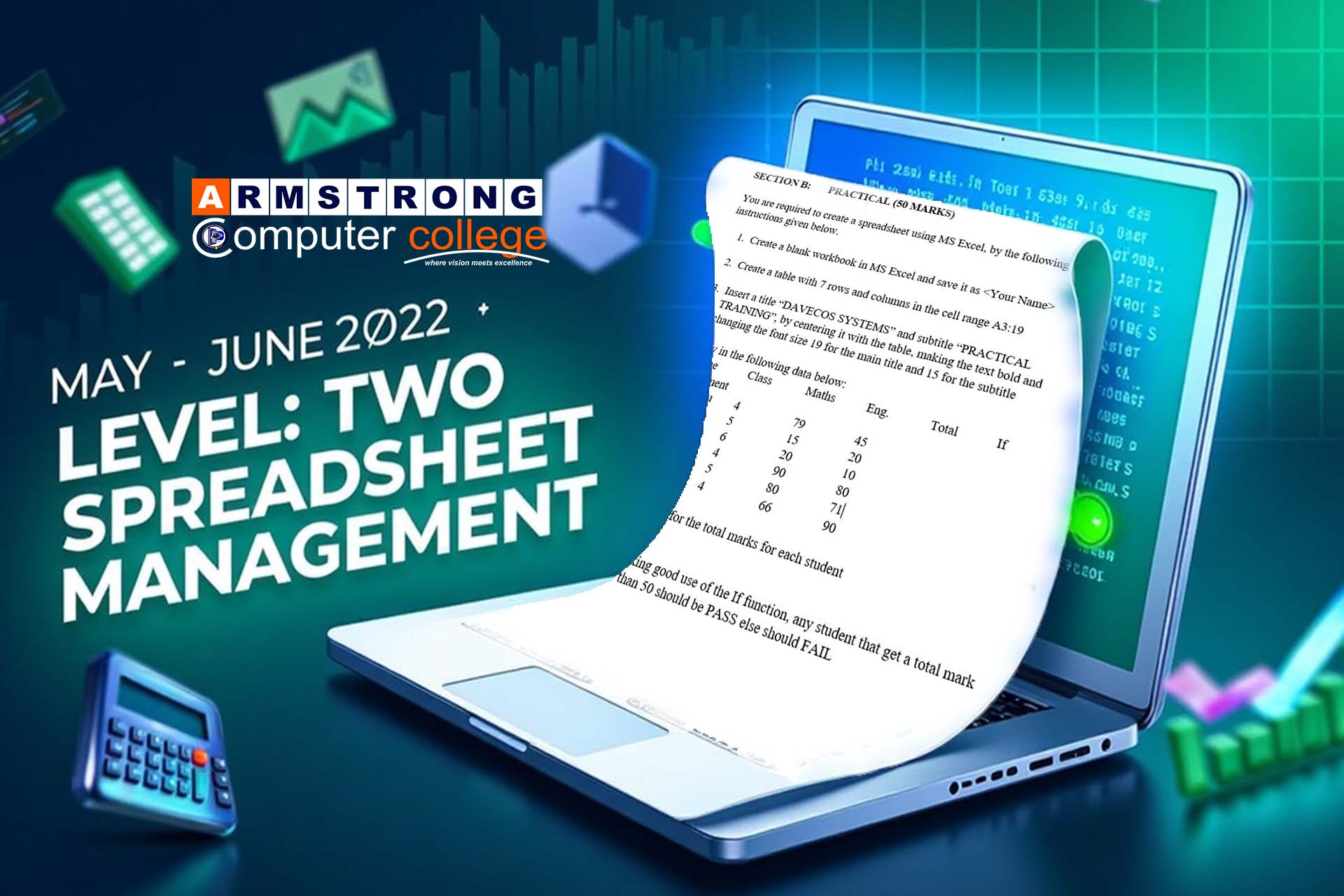
SECTION B – PRACTICAL
This practical task is meant to help students apply their knowledge of spreadsheet formatting, formulas, and logic functions such as IF statements in Microsoft Excel.
- Create a blank workbook in MS Excel and save it as <Your Name>
- Create a table with 7 rows and columns in the cell range A3:I9
- Insert a title "DAVECOS SYSTEMS" and subtitle "PRACTICAL TRAINING"
- Center align both across the table
- Make the text bold
- Font size 19 for title, 15 for subtitle
- Enter the following data:
| Name | Class | Maths | Eng. | Total | If Statement |
|---|---|---|---|---|---|
| Yakubu | 4 | 79 | 45 | ||
| Abena | 5 | 15 | 20 | ||
| Yawba | 6 | 20 | 10 | ||
| Kwasi | 4 | 90 | 80 | ||
| John | 5 | 80 | 71 | ||
| Seth | 4 | 66 | 90 |
- Calculate the total marks for each student using a formula like
=C4+D4 - Use the IF function:
=IF(E4>50, "PASS", "FAIL")to determine results